
Keep AI coding sessions grouped by project and feature. Kanban tracking keeps progress visible and context focused.
Workflow
Projects, Feature Folders, and Kanban states work together to keep agent work structured.
Each codebase gets its own workspace with dedicated session history, provider settings, and context boundaries.
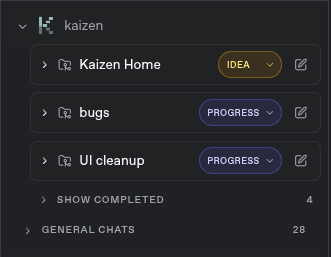
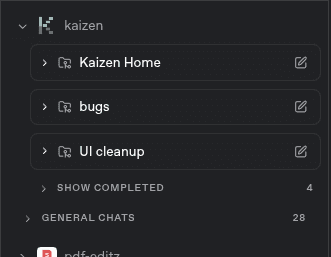
Group related sessions within a project by feature, bug fix, or experiment. Navigate faster and keep context tight.
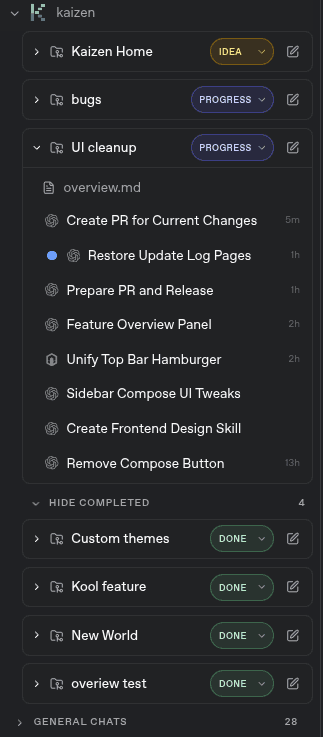
Track progress with explicit states — planned, active, done. See what needs attention without digging through history.
Benefits
Organization is not overhead when it is built into the tools you already use.
Agents work better when sessions stay scoped to one feature. Feature Folders keep conversations and file changes relevant.
Jump between features, check progress, and resume sessions without scrolling through a flat list of unrelated chats.
Kanban states make it obvious what is planned, what is in progress, and what is done — across all your features.
From one project to many, Feature Folders keep the workspace manageable as your agent usage grows.
Organize your AI coding sessions with projects, feature folders, and kanban tracking.